CourseForge · Image Callout Labels · Interactive
Callouts, authored in place
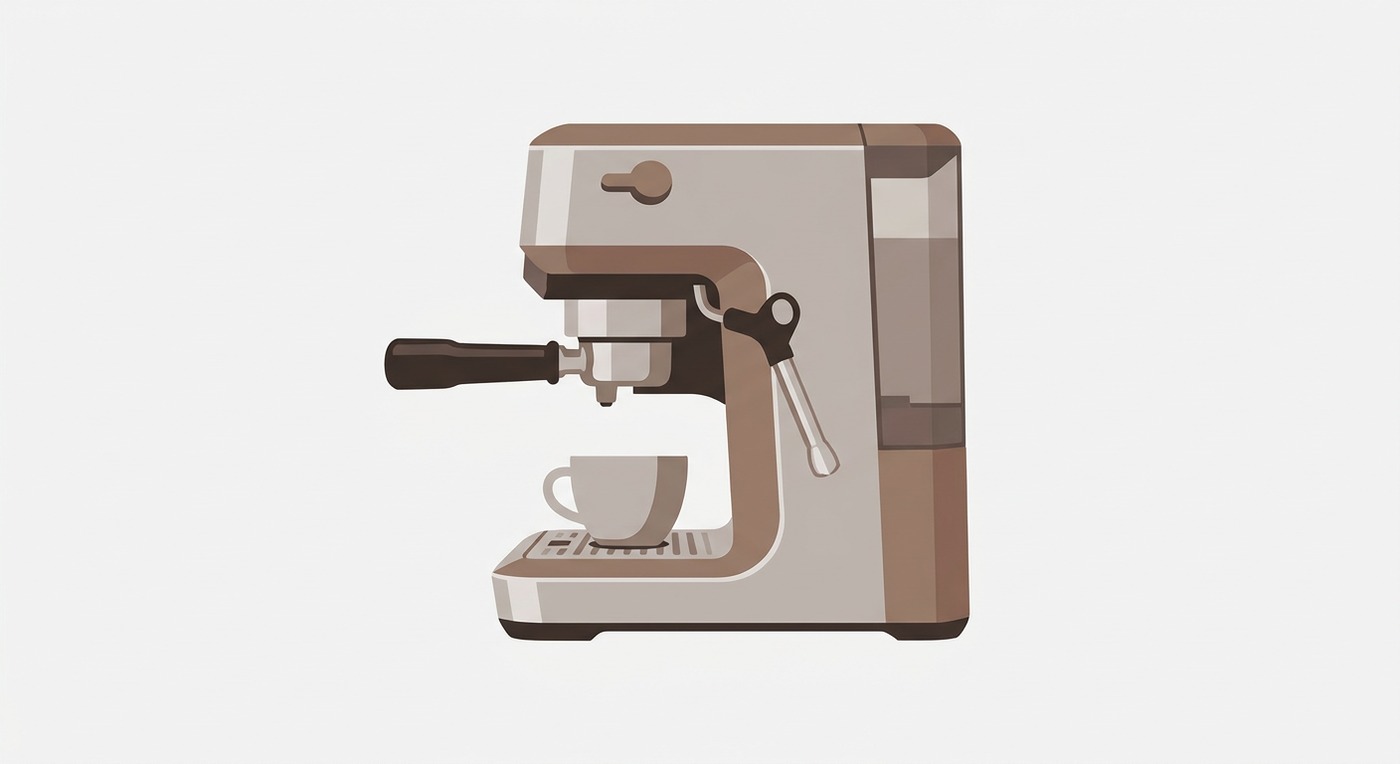
Drag a label, or drag its target point on the image. The connector line re-anchors live to whichever box edge faces the target, so the leader always reads cleanly. What you drag is exactly what publishes: switch to the published view to confirm. Everything is keyboard-operable, select a handle and nudge it with the arrow keys.
This mirrors CourseForge's shipped callout overlay and its auto-anchor rule (dx = target.x - box.x, dy = target.y - box.y; the larger axis picks the edge). The real block is authored inside the private CourseForge. Back to the CourseForge whitepaper.
How the connector auto-anchors
Sample frame